
Top news
No. 10
OpenAI's experimentation team removed 800,000 lines of dead code with one loosely worded Codex prompt and a rule to show evidence
Five engineers ran variations of a short Codex prompt across repositories and merged more than 1,400 pull requests that deleted over 800,000 lines. The prompt told the agent to confirm with live data that code was unused before removing it.
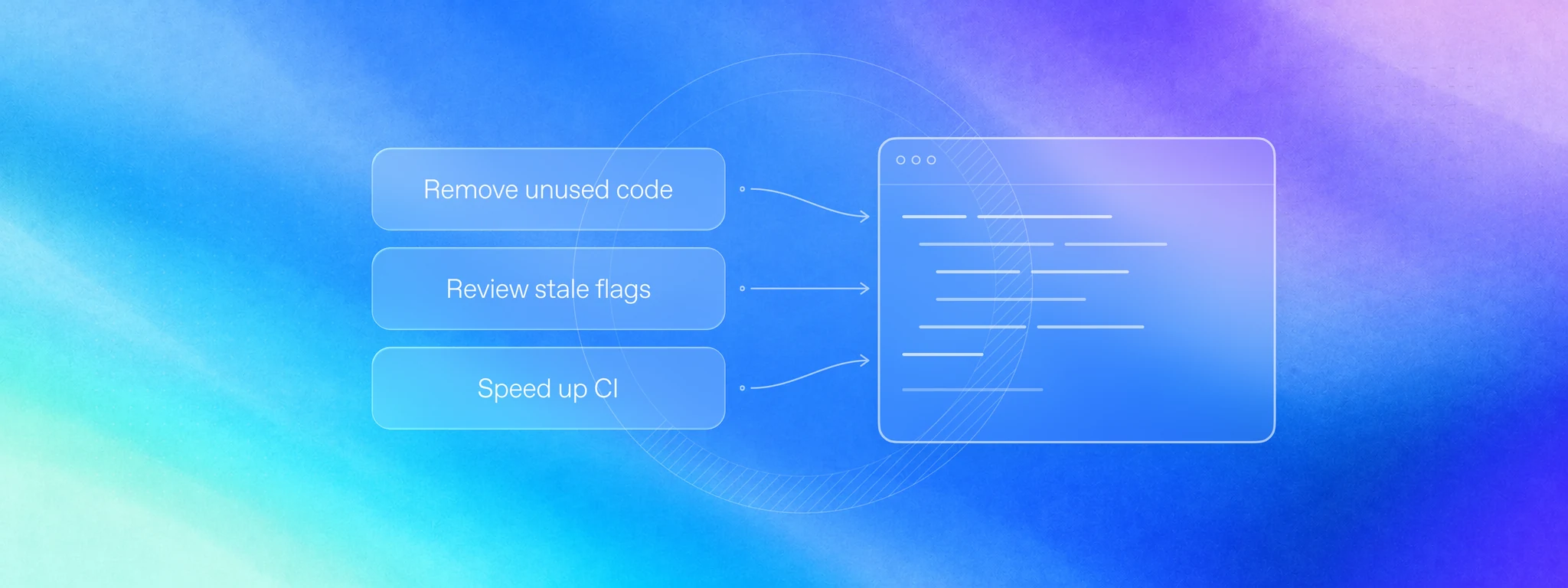
The starting prompt was a single casual sentence asking the agent to find dead code and to check Slack, the feature flag platform or any other source needed to confirm it was unused. With GPT-6 Astra the agent read past pull requests, Slack threads, project trackers and production profiling tables, then explained the reason for each deletion in the pull request. The work was done part-time over two weeks, and reviews were fanned out to the teams that owned the affected code. One service image shrank from 3.31GB to 1.72GB, and about 400 visual snapshot variants were removed from a test suite.
The same pattern handled stale experiments, which static analysis handles poorly because the code may still run. The prompt asked the agent to verify live flag configuration, check git history and overlapping pull requests, keep killswitches and operational safeguards, and open one small draft pull request per cleanup with a link to the flag configuration. A follow-up /goal prompt then audited the whole repository and produced a report grouped into parallel workstreams, with CPU cost per flag. It surfaced a years-old override flag that fanned out to every other flag; because the flag was marked permanent, the agent escalated it for human review rather than deleting it. Removing it saved an estimated 0.42% CPU in the main affected service.
On model choice, the team ran the same stale-experiment audit over more than 6,000 files in four languages. GPT-6 Astra at its highest effort found 142 items for $109.06. GPT-6.1 Sol at its highest effort found 131 for $15.12, which is 92% of the findings at 14% of the cost. GPT-6.1 Sol at medium effort found 86 for $5.27. The author reviewed the discrepancies between runs by hand.
Preserve production behavior, operational safeguards and gates/configs intended as killswitches or similar.
Claude Code Projects now has a coordinator that reports on its own, plus reminders, /btw, /fork and read-only thread links
A project is one long-running conversation whose coordinator hands work to independent Claude Code cloud sessions. The 13 November update makes the coordinator post status in chat instead of waiting to be polled.
Each thread in a project is its own cloud session with its own repository copy and Git branch. The coordinator now answers questions in project chat and posts updates as threads finish, block or wait for input. Reminders hide a thread until a chosen time and then return it to the list and tell the coordinator. The /btw command opens a side thread for a tangent, and /fork starts a new thread from the current thread's state. Both already existed in regular sessions.
A single thread can be shared as a read-only link with anyone signed in to Claude, except threads that touched a local computer. Projects are in public beta on Pro and Max, not on Team or Enterprise. There is no separate fee, but every worker draws on the same Claude Code allowance, accounts are limited to 200 new threads per day, and new projects default to Opus with low effort for the coordinator and high effort for workers. Overlapping changes surface as ordinary Git merge conflicts.
Google tested its agent anomaly detector on five outside benchmarks: it flagged 87% of executed attacks and caught 4 of 18 memory-poisoning cases
Google ran Agent Anomaly Detection, which reviews agent traces after the fact, against five public agent-security benchmarks it did not write. The results show where trace monitoring works and where it does not.

The model itself ignored or failed at about 30% of instructions hidden in tool output, and refused three in four direct requests for harm, so about half of the harmful instructions it read were not followed. Of the ones the agent did carry out, the detector flagged 87%, from 81% on AgentHarm to 99% on AgentDyn. False alarms ran at 2% to 4% of benign sessions on the three injection benchmarks and 16% on AgentHarm, where everyday tasks use high-impact tools such as posting and downloading.
The weak spots are stated plainly. Poisoned long-term memory was the clear gap, with 4 of 18 cases caught. Single small actions such as a page visit look like normal browsing, and some methods need a few hundred sessions of history, so new agents see lower catch rates. The detector reports sessions for review and does not block actions. The feature is in private preview on Gemini Enterprise Agent Platform.
Deep dive
Techniques and workflows
Always-on agents are mostly asleep: five primitives that make an agent proactive
Anthropic's guide breaks an always-on agent into an event inbox, timers, memory, permissions and an outbox. The design is plain database tables and workers rather than a special runtime.
An always-on agent is not running continuously. It sleeps, wakes on an event, completes a run, saves what happened and goes back to sleep. A run happens inside a session, which is the transcript of messages and tool calls. The guide argues that the loop is the same as for any agent and that the difference is the architecture around it.
The event inbox is a durable list of events, usually a database table, written by an HTTP handler and read by a single worker. Letting each source call the agent directly causes competing runs and lost events after a crash. The handler should acknowledge quickly and leave deeper checks such as injection screening for the run itself. The inbox is the source of truth, one worker is active at a time, and pending events are batched so several user messages produce one reply. Timers sit in a separate store as either follow-ups the agent sets for itself or recurring schedules. A scheduler polls the store, marks or advances each due timer and adds an event to the inbox.
Memory has its own store too, usually files mapped to durable storage. The guide lists user instructions, user notes, past messages and per-task progress files, with only an index loaded each run and the rest pulled in on demand. The rule of thumb is to store only what the agent cannot look up again and to keep a pointer when the data lives elsewhere. Periodic review of past sessions can replace stale entries.
Permissions carry the most risk because a run holds user access and operates unattended. The recommended pattern is a proxy outside the agent environment that injects credentials into outgoing requests, classifier-based review for riskier actions, and deferred tool calls for decisions that need a person. A deferred call ends the run and saves the session mid-call; the answer returns as an inbox event and starts a new run, while the worker serves other events in the meantime. A run ends by sending a message to the outbox, deciding nothing needs sending, or deferring a call. The guide recommends building evals for message volume and starting quiet so the agent earns attention over time.
In brief
Tools and releases
ChatGPT Wallet lets agents pay with per-purchase approval (opens in a new tab)
Agents in OpenAI's dots receive a network payment token instead of card details, and each purchase needs a biometric check. It starts for US Pro subscribers, and the post lists Web Bot Auth and WebMCP tools for merchants.
Claude Code 2.1.325 fixes zstd decoding and subagent model sizing (opens in a new tab)
The release patches a security issue in how zstd-compressed responses are decoded and fixes subagents with their own model being moved to the plan-mode model under
opusplanorhaiku.Codex 0.169.0 adds side-chat tabs and a collapsible transcript view (opens in a new tab)
The terminal workspace gains multiple side-chat tabs and a Collapse turn details option, and
codex execkeeps project configuration and MCP servers off in untrusted directories unless--trustis passed.Partner apps can now open inside Claude and be edited there (opens in a new tab)
Connectors that support MCP Apps can open beside the chat or full screen, and Claude can change the open page, row or file with the same approvals as a connector action.
Claude Opus 5.5 becomes the default model on Pro, Max, Ultra and Team (opens in a new tab)
Anthropic recommends it as the daily model for knowledge work, arguing a more capable model can finish with less work and offset a higher per-token price.
Claude for Manufacturing packages 17 skills and four connectors (opens in a new tab)
The plugin drafts quotes, quality reports and supplier requests from plant systems, with change-making in Infor kept behind user approval.
xAI API text watermarking is off by default (opens in a new tab)
Team admins can turn on SynthID Text watermarking per model in the console, and a response header
x-watermarkshows whether a given reply carries it. Audio watermarking stays on by default.Seedream 5.5 targets 100 rounds of image edits and native transparency (opens in a new tab)
ByteDance says unedited regions are preserved at pixel level across successive edits, and the model outputs RGBA images directly. The quality claims are the vendor's own.
ggml 1.0.0 removes deprecated API and adds backend speedups (opens in a new tab)
The release prunes deprecated functions, bumps the RPC protocol, and adds FP8 support and performance work across CUDA, Metal, Vulkan, SYCL, OpenCL and WebGPU.
Techniques and workflows
Failover between direct and cloud-hosted OpenAI models, decided per workflow (opens in a new tab)
OpenAI separates route choice from failover approval: a read-only fraud check can be retried on a secondary provider, but a live agent session cannot simply switch. The post includes a Codex prompt for implementing the policy in a gateway.
Research
Chaining 25-step searches lifted a JEPA world model from 22% to 80% (opens in a new tab)
An independent write-up on LeWM found the model accurate over about 25 steps, and that planning through subgoals at that spacing helped far more than swapping in exact physics, with no retraining.